eXPerience 5 embroidery software
Features
eXPerience 5
New Features
Levels
  Text Plus
Text Plus Features
  Operator
Operator features
  Puncher
Puncher features
  Pro
Pro features
Compare levels
Venere Cutting System
System Requirements
What is in the box
Why to buy
FAQ's
Training Videos
my editor
   
Info
News
Links
Events
Wish list


eXPerience 5 embroidery software
   
eXPerience® 5 Puncher Level
Wings' XP 5
Wings' XP, eXPerience Brochure
View eXPerience 5 brochure
Puncher Level of eXPerience incorporates all the features of Operator level and adds even more that will increase the digitizing and editing abilities for better and quicker digitizing.
Puncher Level features  
     
  General features  


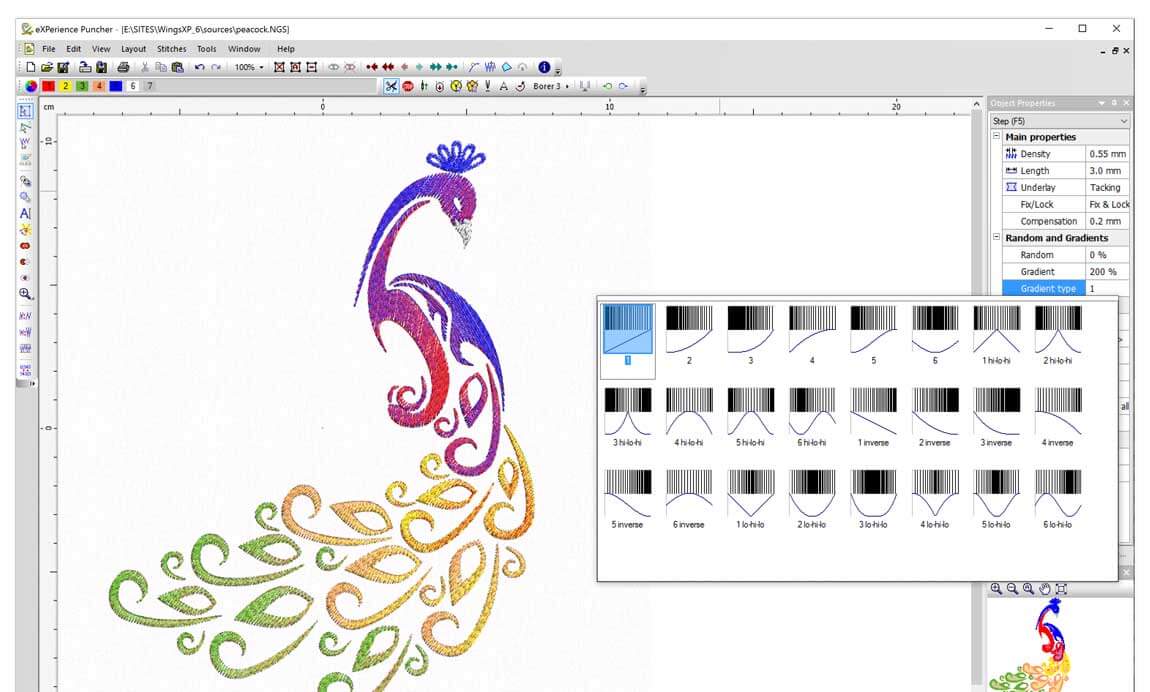
• Advanced color blending: gradient on step/piping fills
gradient fill presets
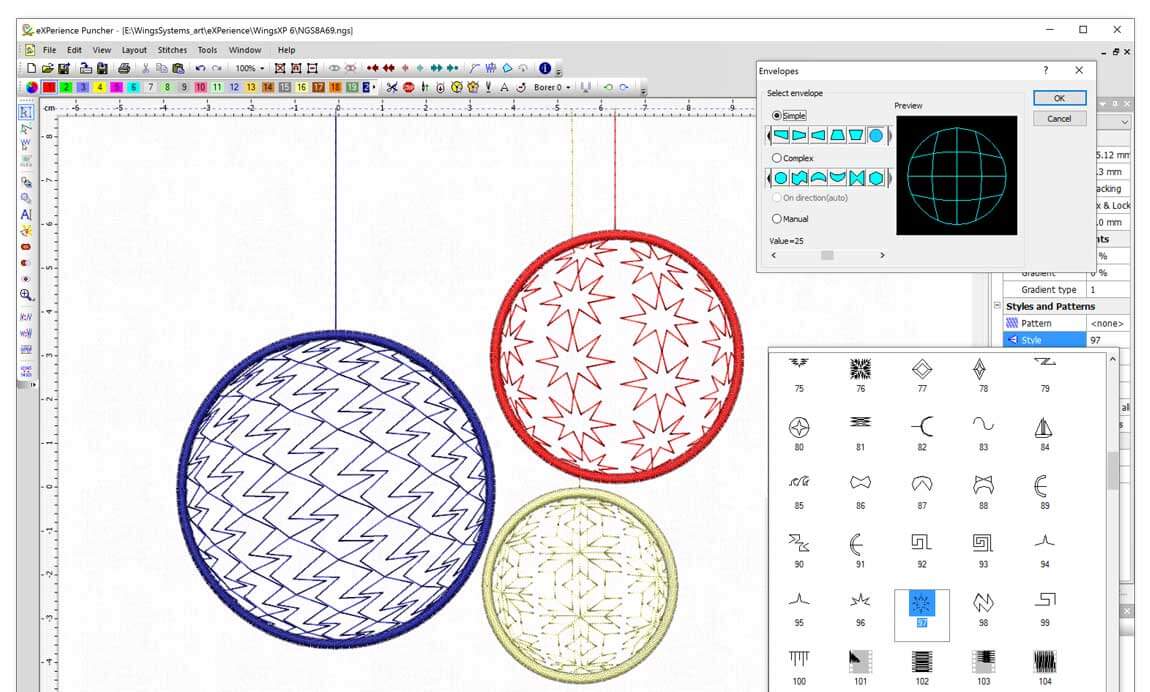
• Envelope on direction of stitches.(create objects with curved direction stitches)
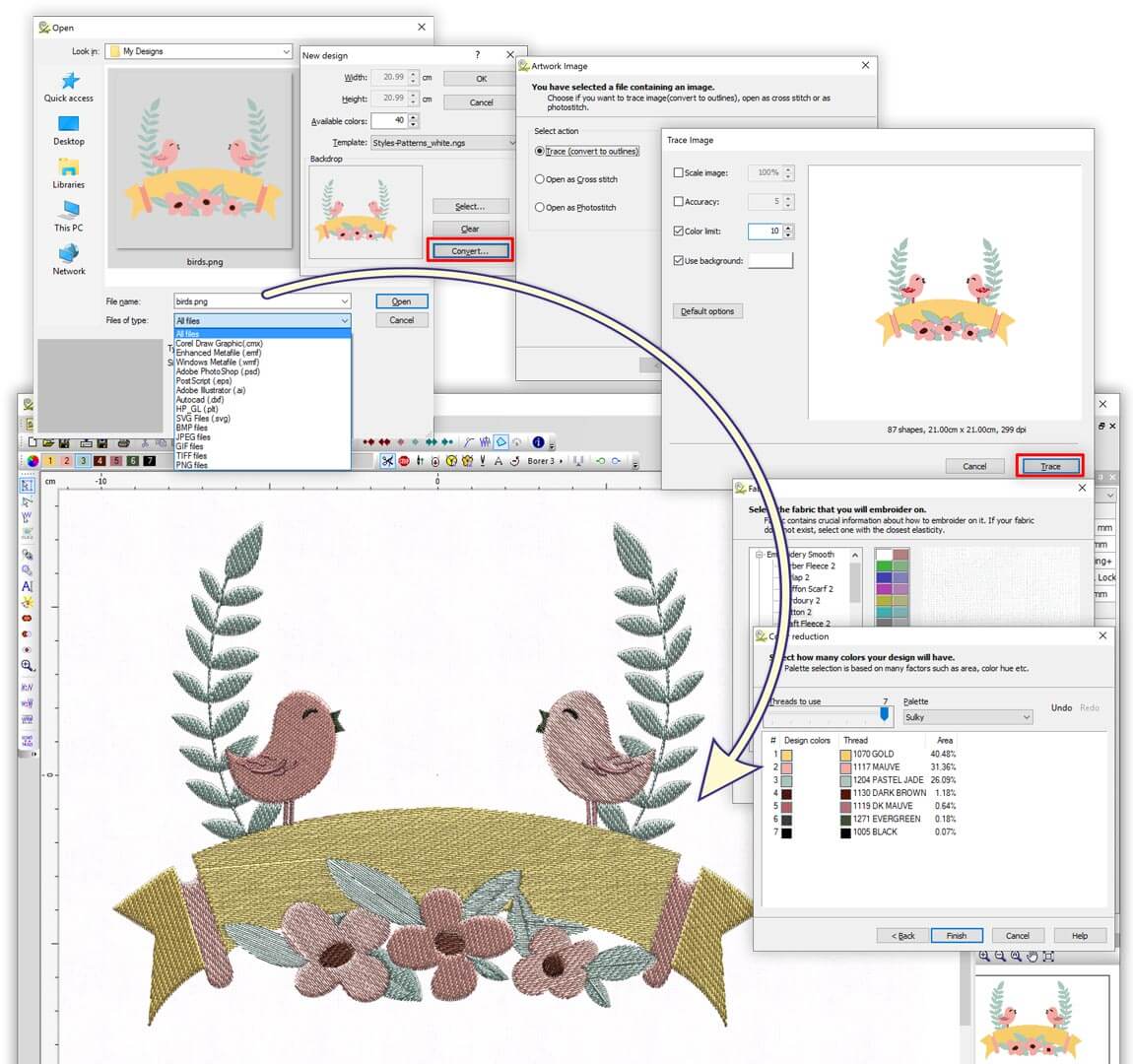
• Convert Vector/Bitmap artwork into editable embroidery designs (from Paste, from Import and from Scanner)
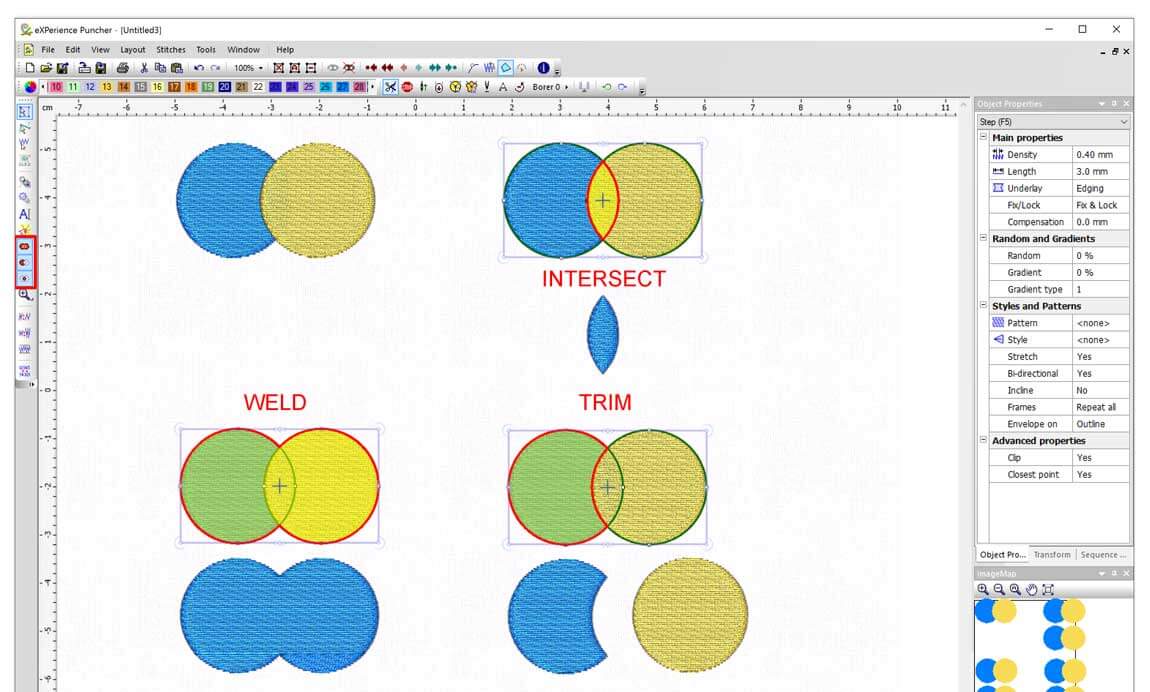
• Apply transformations "Weld" - "Trim" - "Intersect" on objects
• Continuous design preview for multi-head (56 heads) embroidery machines
• Copy attributes(transformations, stitch type, properties.etc) from other objects Form fill, Vector fill, Block fill
• Digitize Satin, Zig-Zag and Piping by defining only the outline of the object
• Create CMYK Photo-stitch designs
• Auto digitize Satin, Zig-Zag and Piping and add directions and divides at the end
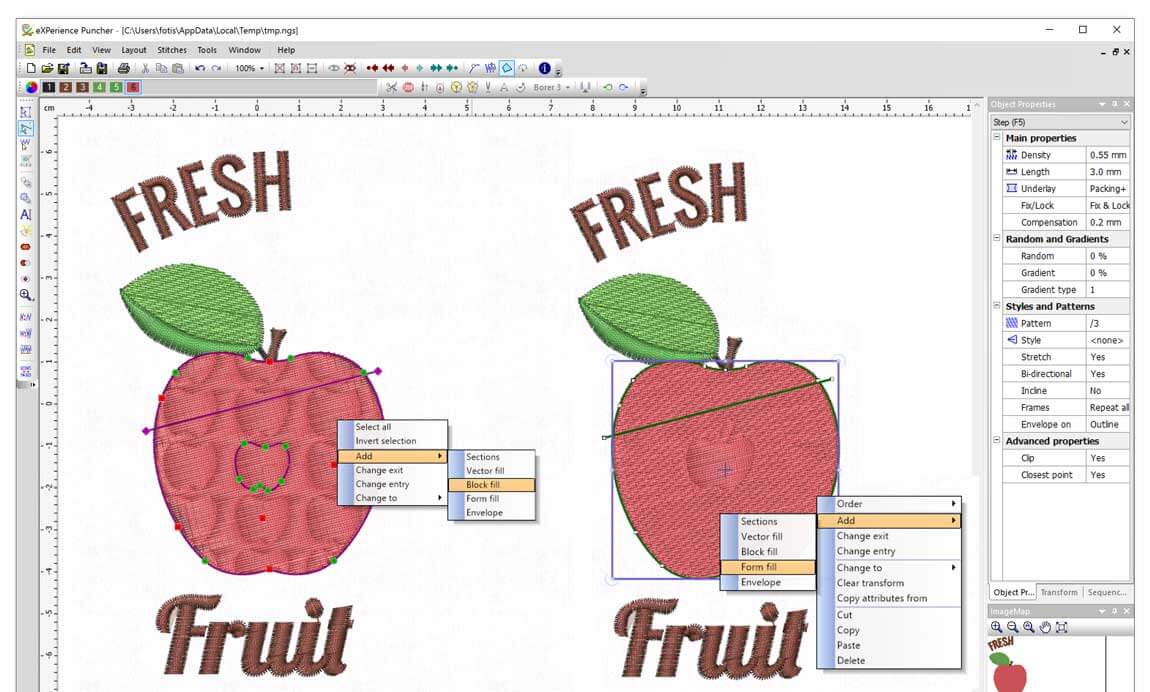
• Vector fill Effect in Satin/Step objects
• Block fill Effect in Satin/Step objects
• Form fill Effect in Satin/Step objects
• Auto smooth uneven stitches
• Advanced stitch parameter controls.
• Advanced nodes Editing with extra abilities.  
• Stitch type conversions  
• Digitizing with Branches
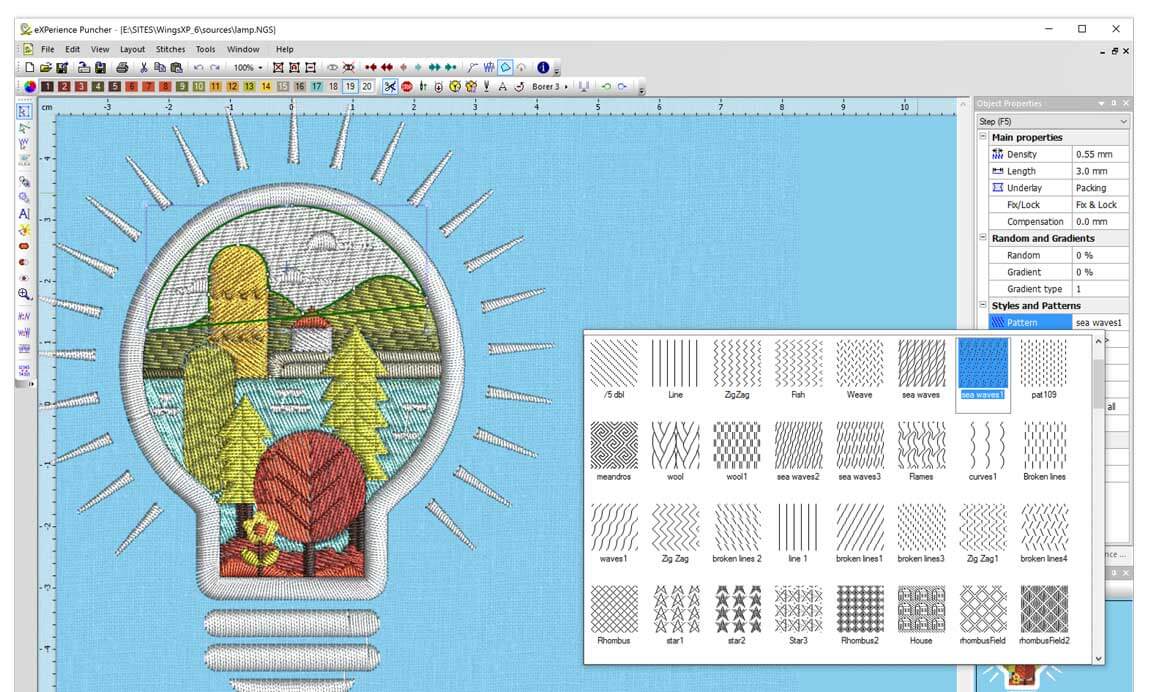
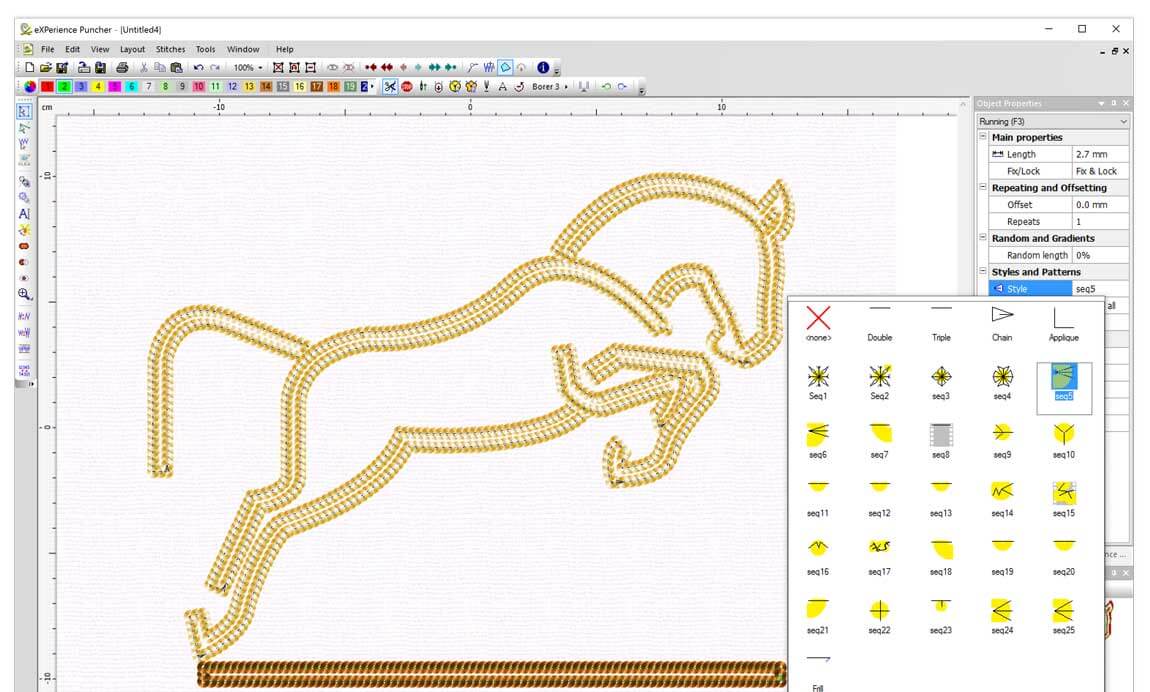
• Add or Change Styles and Patterns to designs
• Add Sections in existing embroidery objects
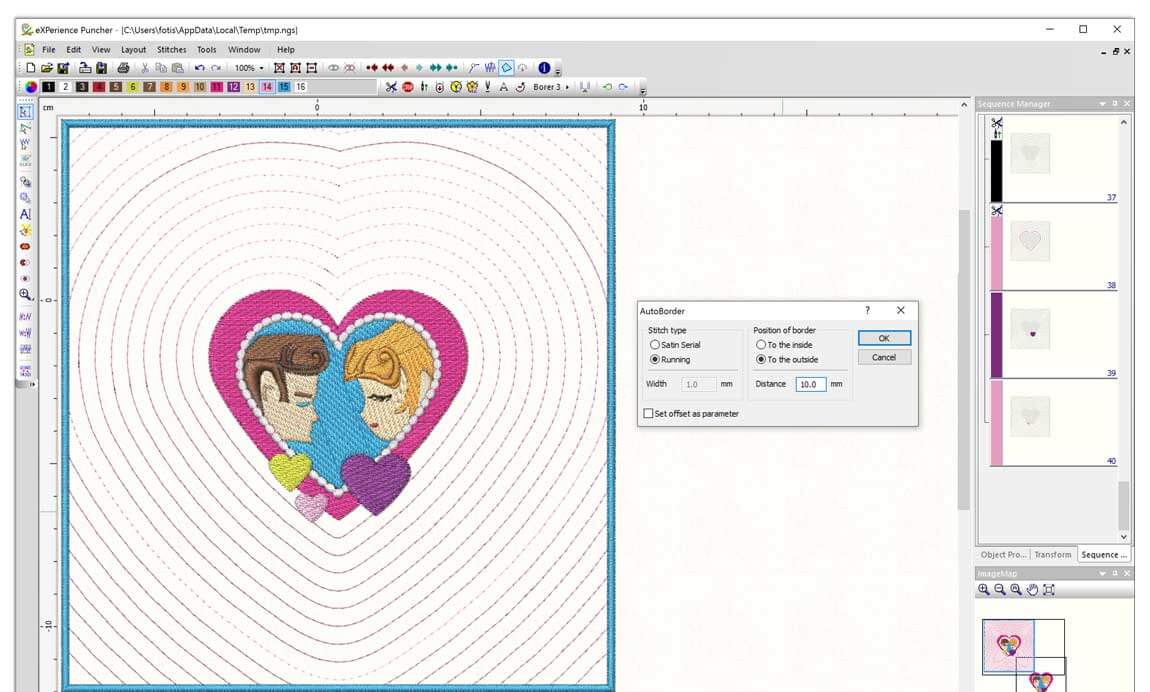
• Auto Border creation ability
• Add Special Effects
• Knife for split objects in stitch files
• Reverse Sewing Direction
• Easy 2-point copy of objects
• Alignment abilities between objects
• Auto Density Adjustments when resizing stitch designs.
• Smooth stitch file outlines
• Convert stitch design to outline designs
• Convert Step to Satin for stitch designs
• Multi Design Output & Catalogue
• Print Catalog
• Fill any stitch type with sequins
• Styles withs sequins are now available
• Includes styles for Frill designs
Sequin Designs Sequin Designs


  Stitch type parameters additional to Operator Level
 
 
Satin stitch type parameters Zig-Zag stitch type parameters
• Set the percentage of Random width of stitches • Add square end to Zig Zag
• Specify the Side that the Random width will be applied • Set the percentage of Random width of stitches
• Specify how the pattern will be applied on Satin objects • Specify the Side that the Random width will be applied
• Change the length of pattern • Specify how the pattern will be applied on Zig Zag objects
• Balance density sensitivity with Variable pitch • Change the length of pattern
• Make high quality Corners with Spitz stitch • Balance density sensitivity with Variable pitch
• Add Closest point connection between objects • Make high quality Corners with Spitz stitch
  • Add Closest point connection between objects
Satin serial stitch type parameters  
• Add offset Step stitch type parameters
• Set the percentage of Random width of stitches • Add styles and create artistic designs
• Specify the Side that the Random width will be applied • Activate Clip option and increase style endings
• Specify how the pattern will be applied on Satin Serial objects • Stretch the Styles applied and create complex art designs
• Change the length of pattern • Set the percentage of Random width of stitches
• Balance density sensitivity with Variable pitch • Add Closest point connection between objects
• Make high quality Corners with Spitz stitch • Define if the Style will be Bi directional or not
• Add Closest point connection between objects • Define If style with sequins will be applied with Incline
  • Specify the way the Frames of a style will be applied
  • Add patterns and create complex fills
  • Make step with Gradient
   
Sequin Designs Running stitch type parameters
• Add offset in Running
• Add Styles on Running stitches
• Insert styles with multiple frames
• Specify the times you want Running to be repeated
• Set Running to be embroidered with Random length
• Add Closest point connection between objects
Add Styles to stitches
• Specify the way the Frames of a style will be applied
 
Piping stitch type parameters Cross-stitch stitch type parameters
• Adjust Density • Specify the number of Repeats
• Add / Remove Fix/Lock • Enable short long stitches
• Change stitch Length • Add Closest point connection between objects
•Make Piping with Gradient  
   
Manual stitch type parameters Photo-stitch stitch type parameters
• Change stitch Max Length • CMYK separation
• Add Styles on Manual stitches • Separation Layer
  • Change Photo-stitch Gamma and increase quality
    Wings' XP 5 Box
  With all these features that Puncher Level includes you can expand your Business and cover your customers’ needs quicker and easier. For most demanding customers that will not be satisfied with less than perfect and will want to embroider their design on the most strange material there is eXPerience 5.00 Pro level.
   
  Compare Levels


    Get it now >
 
   
Copyright © 2001-2012 Wings Systems Ltd. All rights reserved.